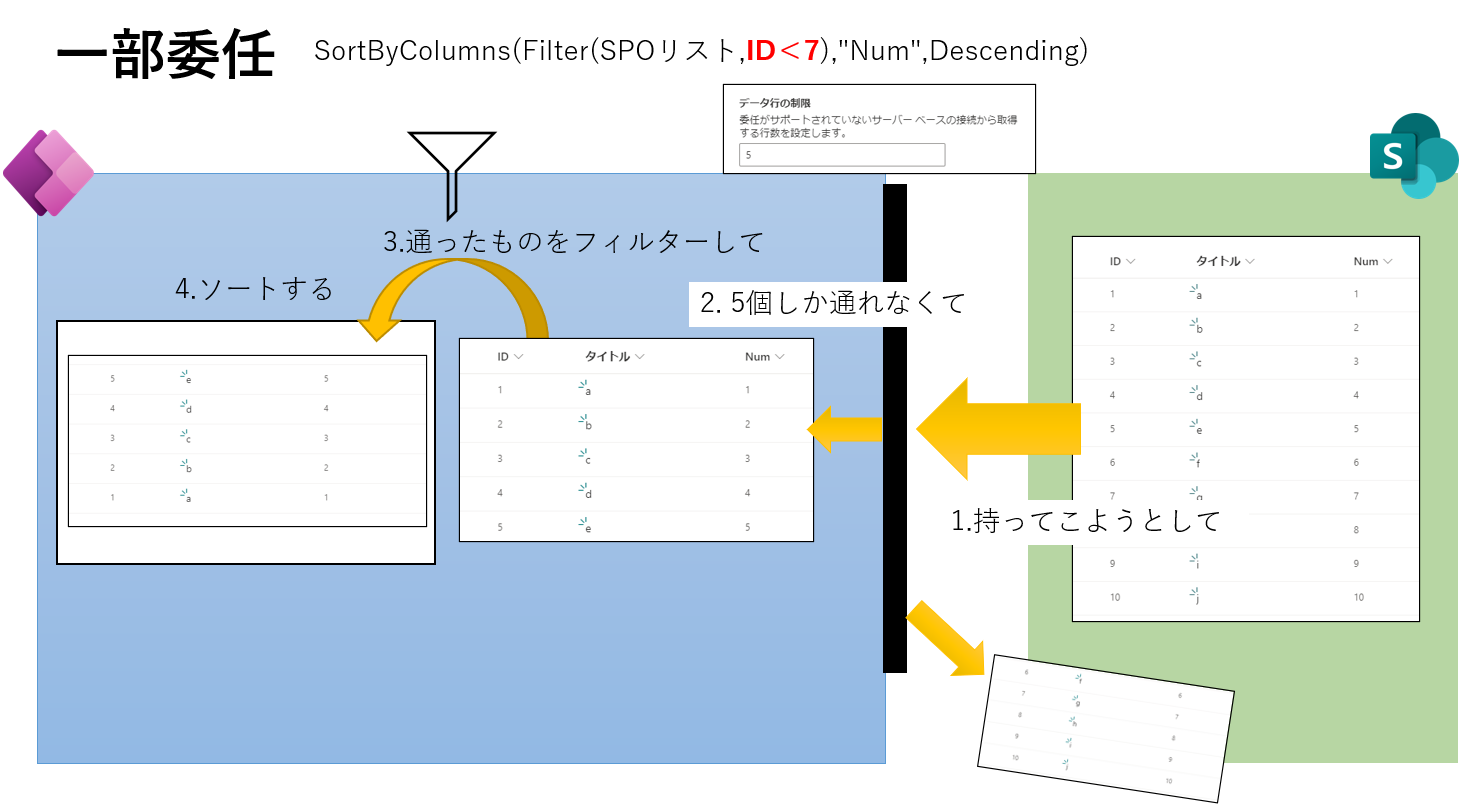
I investigated the behavior of the With function when used in the Items property of a Canvas App Gallery.
It turns out that wrapping your query in With—even for unrelated variables—can silently disable server-side paging, limiting your results to the Data Row Limit (500/2000).
The Scenario
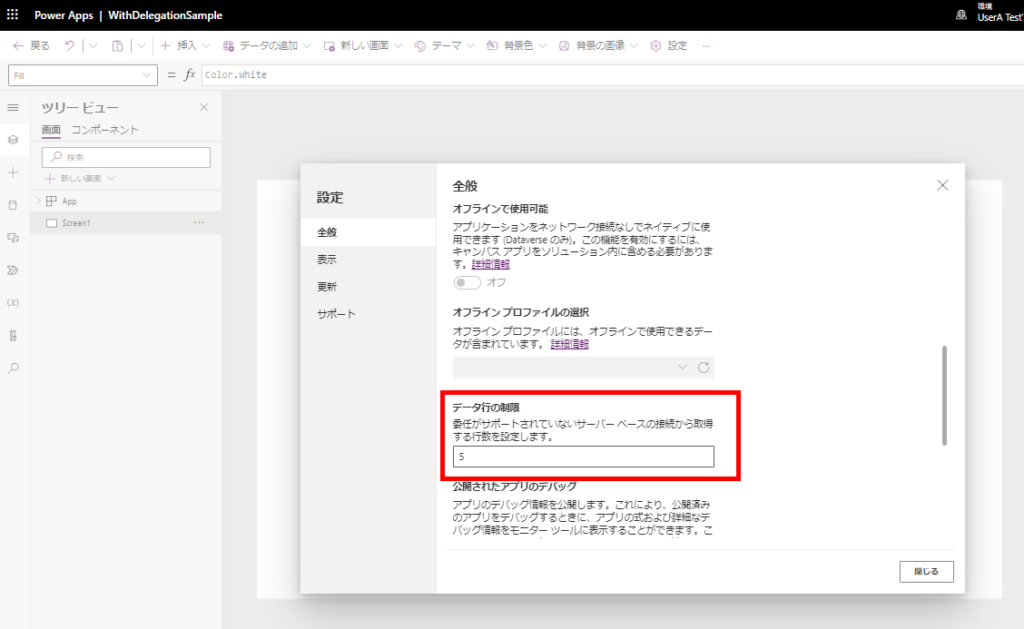
To test this, I set the app’s Data Row Limit to 5.
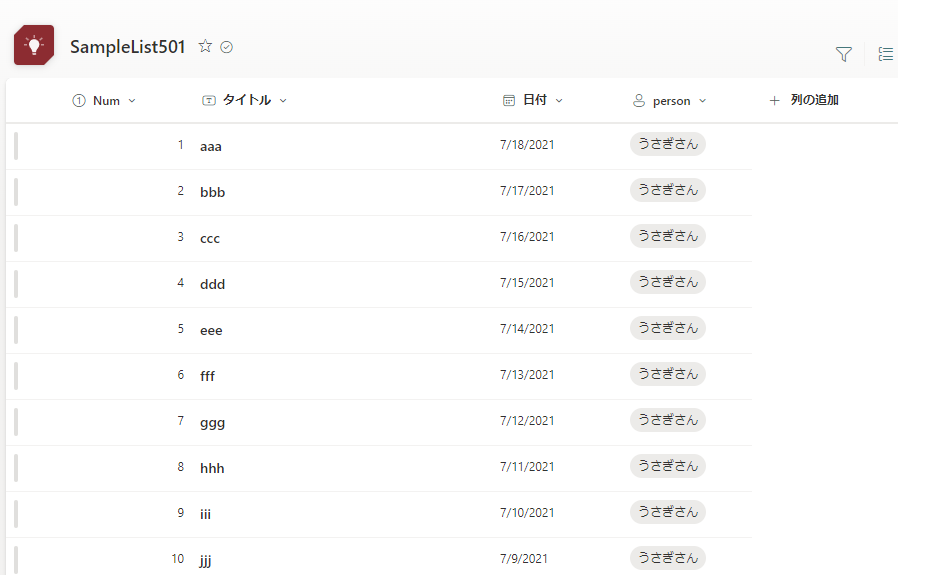
Then, I connected a Gallery to a large SharePoint list.
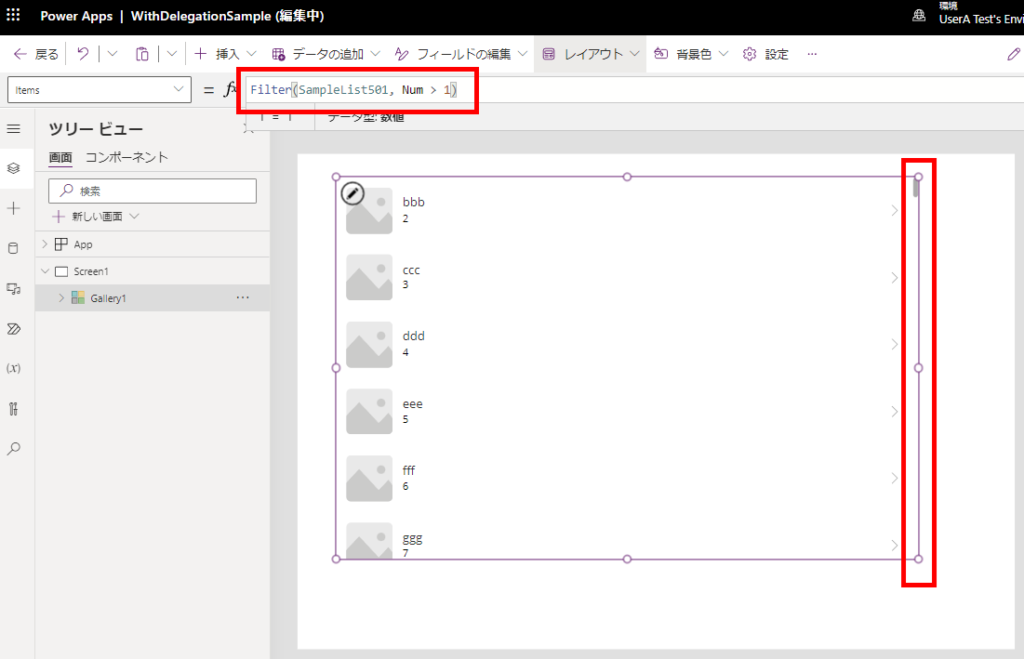
Normal Behavior: If the formula is delegable, the Gallery uses Paging (delayed loading) to fetch data in chunks as you scroll, allowing you to see all items beyond the limit.
Non-Delegable Behavior: If the formula is not delegable, Paging stops working, and you only see the first 5 items (or whatever your limit is set to).
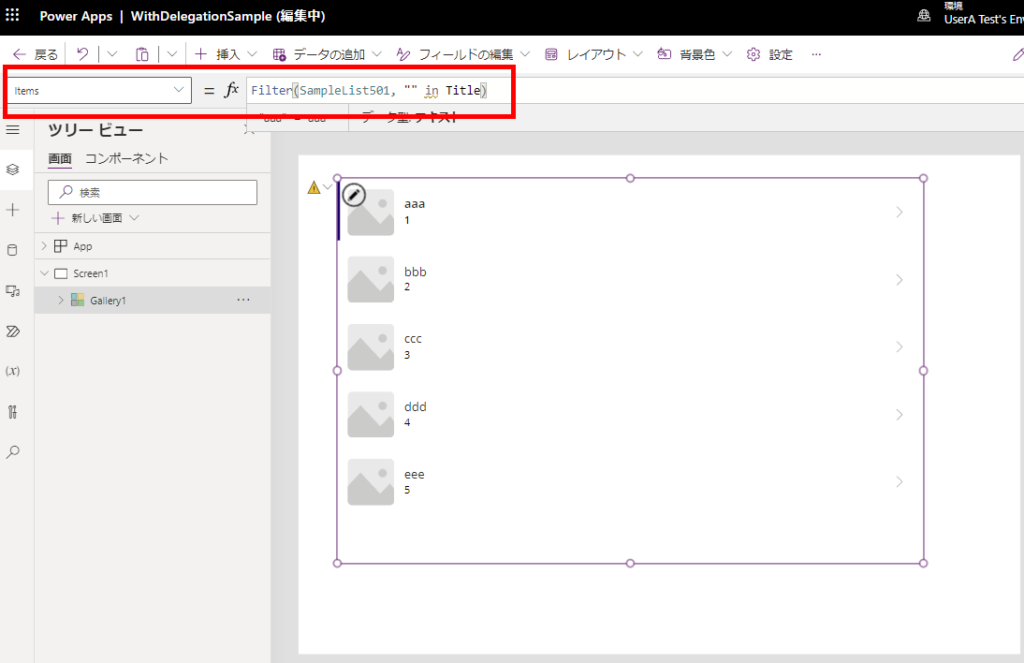
Now, let’s see what happens when we introduce With().
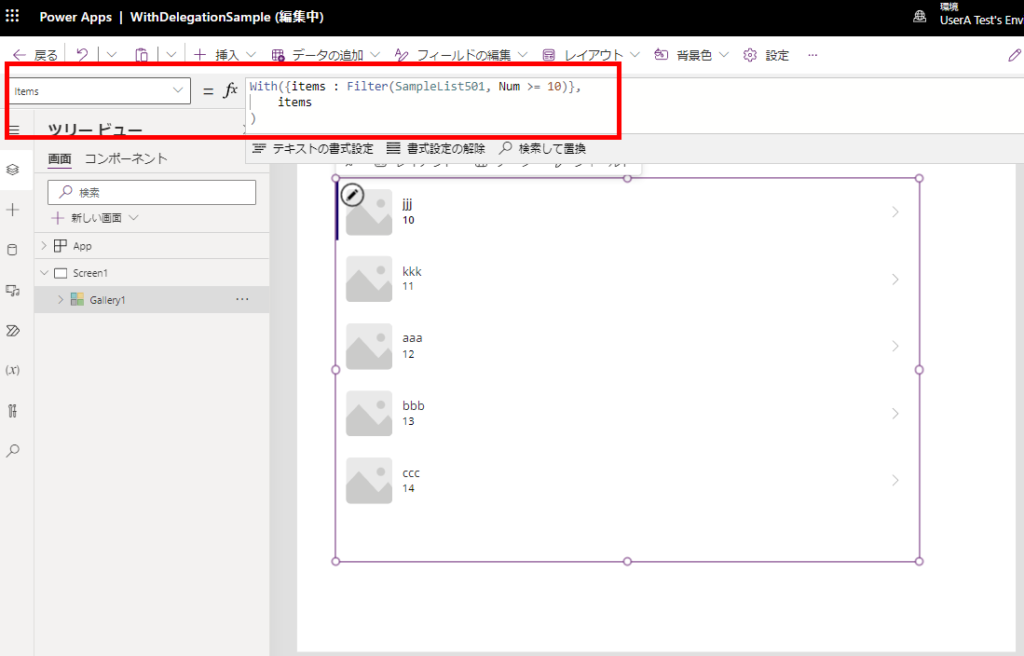
Case 1: Assigning Filter Results to a Variable
First, I tried assigning the result of a Filter to a variable inside With, and then displaying that variable.
Result: Paging is broken.
The query is processed locally, so it hits the Data Row Limit. This is expected since local collections/variables are not delegable.
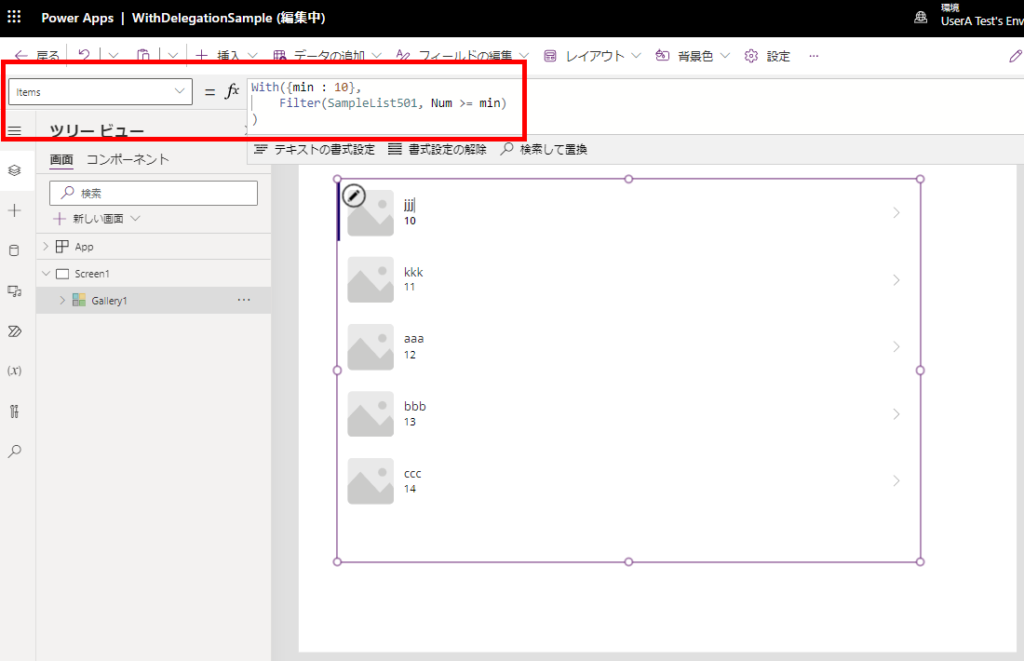
Case 2: Using With() to Define Filter Parameters
Next, I used With only to define a variable (e.g., a constant) used inside the Filter condition.
Result: Paging is broken.
Even though the Filter itself should be delegable, wrapping it in With forces local processing.
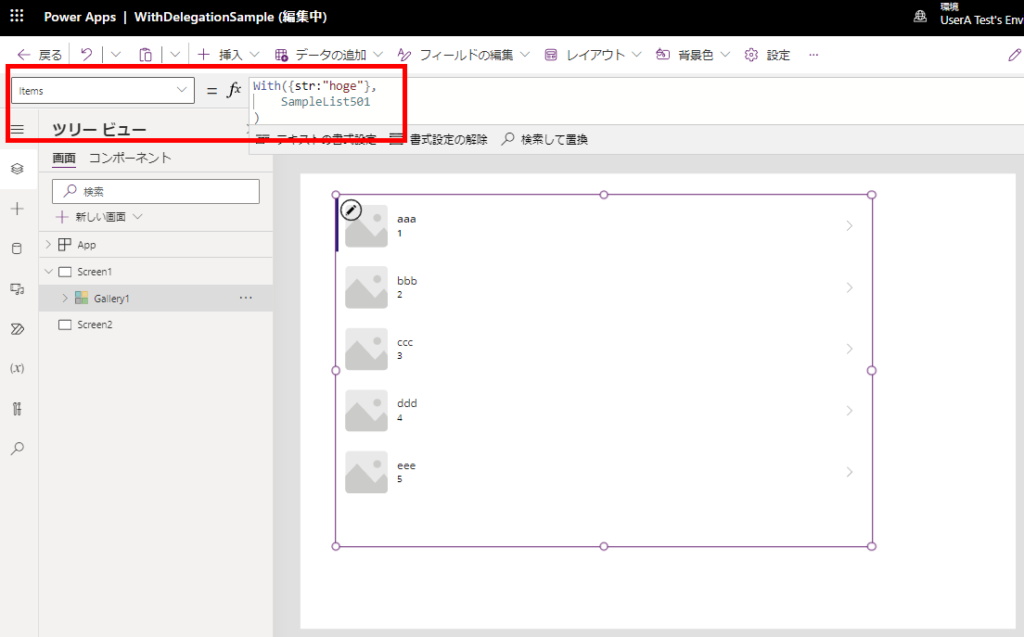
Case 3: Defining an Unrelated Variable
Finally, I used With to define a variable that is completely unrelated to the Filter query.
Result: Paging is still broken!
Even if the variable is unused, simply being inside a With block kills server-side paging.
Conclusion
Do NOT use With() on Gallery Items.
Using With() in the Items property disables the Gallery’s Paging capability. Power Apps will try to fetch the dataset locally, capping your results at the Data Row Limit (500/2000).
The scary part is that no delegation warning appears in the editor.
Workaround: Use Context Variables or Formulas
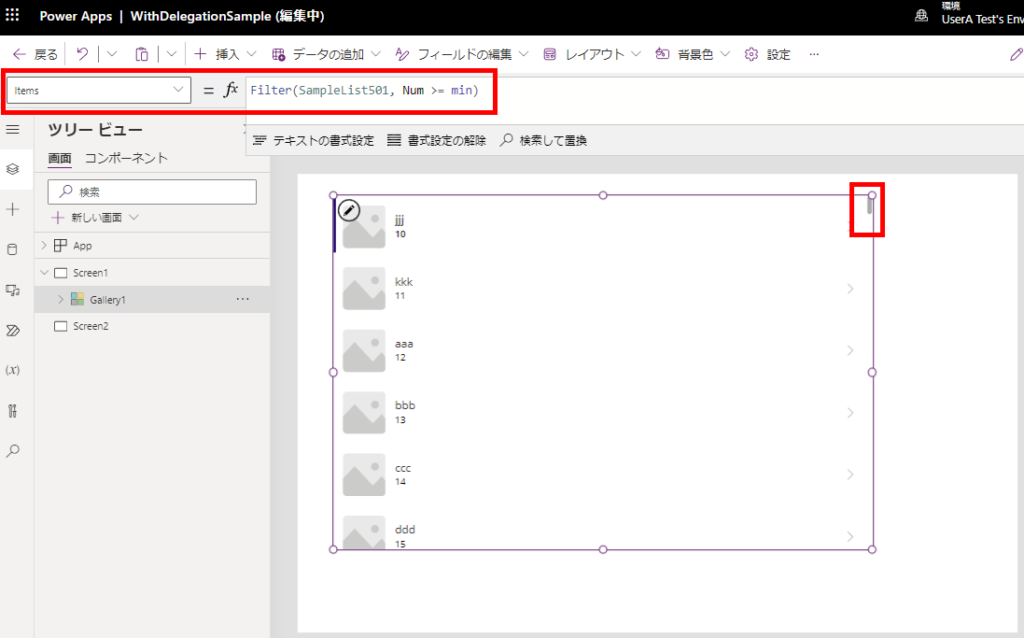
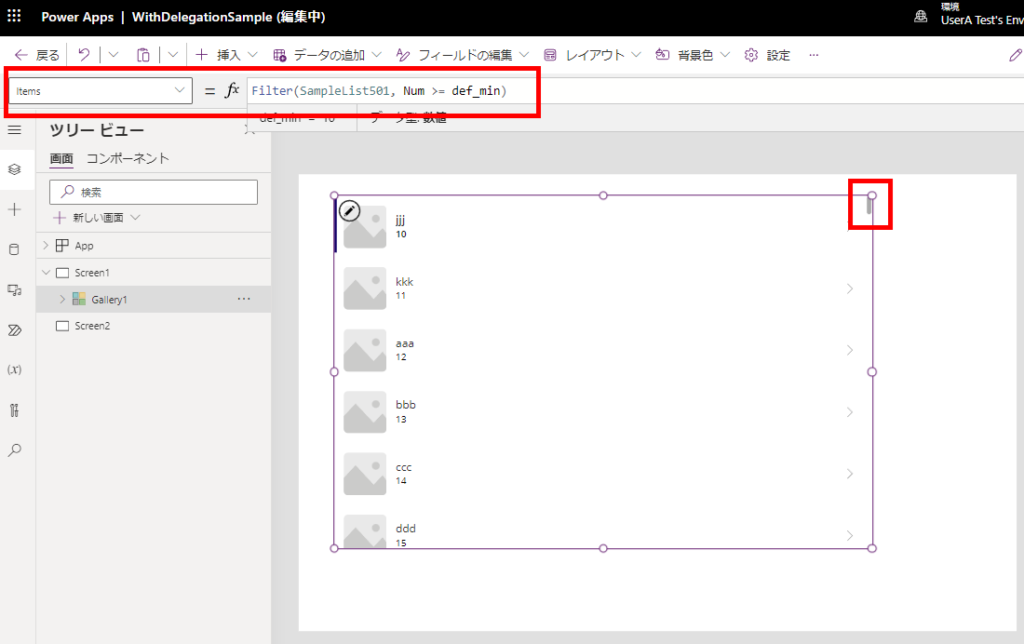
Instead of With(), use UpdateContext or Named Formulas (App.Formulas).
Variables from UpdateContext work perfectly with delegation and paging.
Named Formulas (App.Formulas) also work without issues.
Related Articles