Power Appsのポータルで、サインインが不要な(匿名ユーザーだけが対象の)サイトを作ることになったとき、どうやって「サインイン」をできなくするかを調査したので、その内容をメモ。
やりたいこと
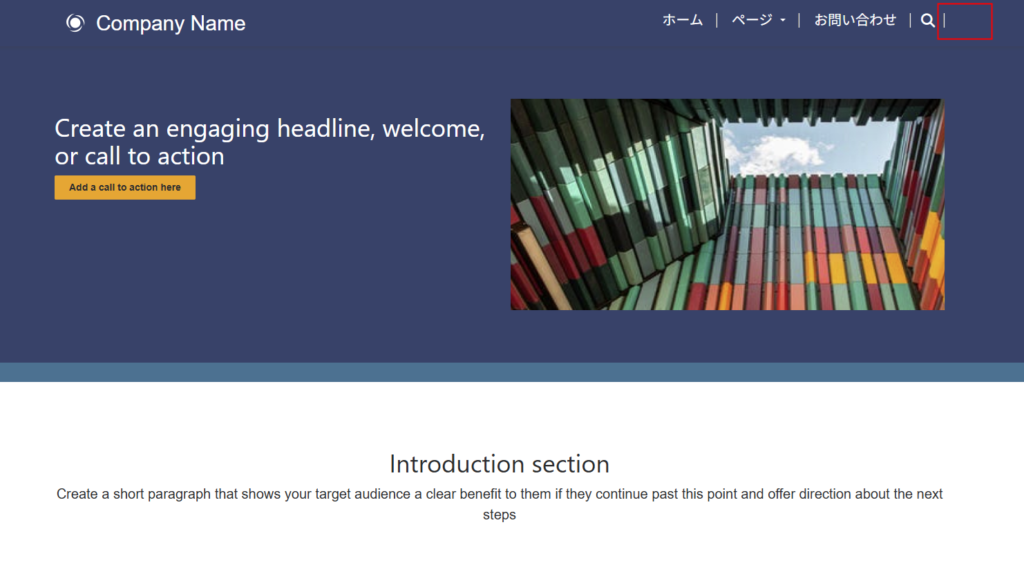
この「サインイン」を消したいときの話。
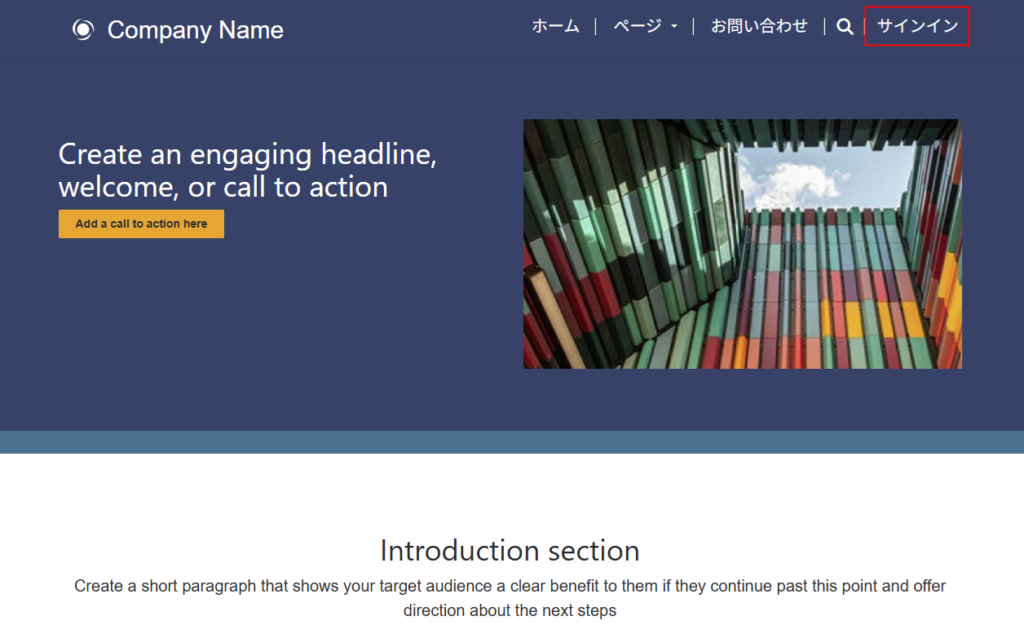
サイト設定からもサインインを防げるけど
まずは「サイト設定」からサインインの機能を無効にできないかと考えて、出会ったのがこちらのページ。
![]()
![]()

Your Privacy Choices Opt-Out Icon
Quickly search for answers, join discussions, post questions, and work smarter in your business applications by joining ...
powerusers.microsoft.com
上のページの回答者によると、サインイン機能を無効にする方法はあまりおすすめできないとのこと。
理由は詳しく見ていないけど、ポータルの再起動が必要になったり、サインインは無効になってもヘッダー部分の「サインイン」へのリンクは消えないとかいった理由が書かれている。
おすすめは「サインイン」リンクを非表示にする方法
先ほどの回答者のおすすめは「サインインへのリンクを非表示にする方法」らしく、その方法も載せてくれている。
なんだけど、その方法がwindow.onloadでサインインへのリンクのスタイルを「display:none」にする方法で、ページが表示されたときに一瞬ちらっとサインインへのリンクが見えてしまう。
で、そのちらっと見えるのが少しいやだったので、なんとか「サインイン」へのリンクをきれいに消せないか色々いじってみた。
ヘッダーのliquidを修正して「サインイン」を消す
最終的にたどり着いたのが、「Header部分のliquidをいじってサインインへのリンクを消す」方法。
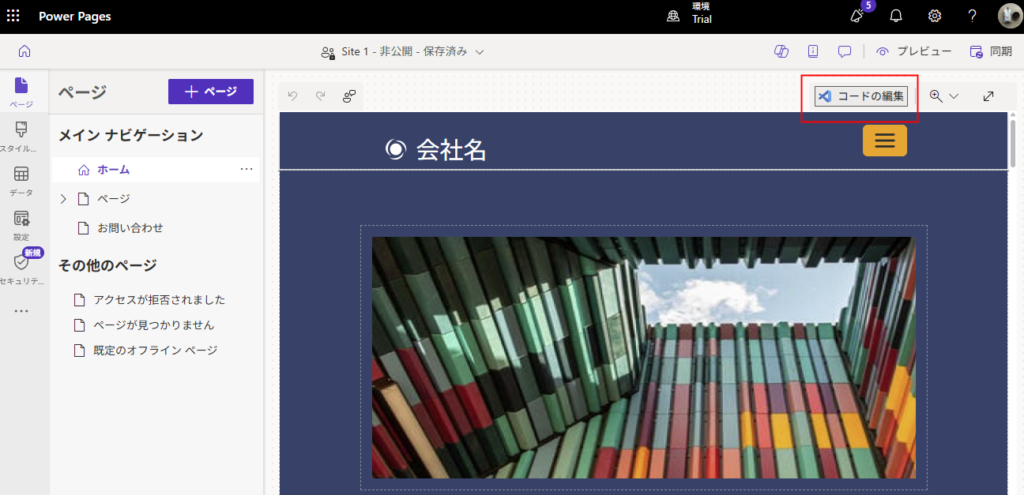
コードの編集から、
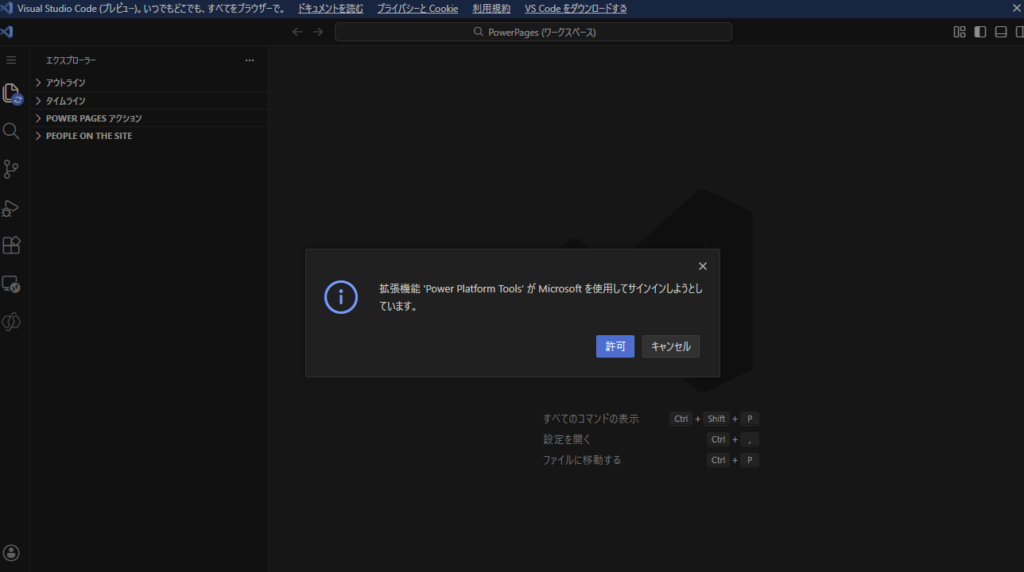
VSCodeを開いて、

サインインを許可。
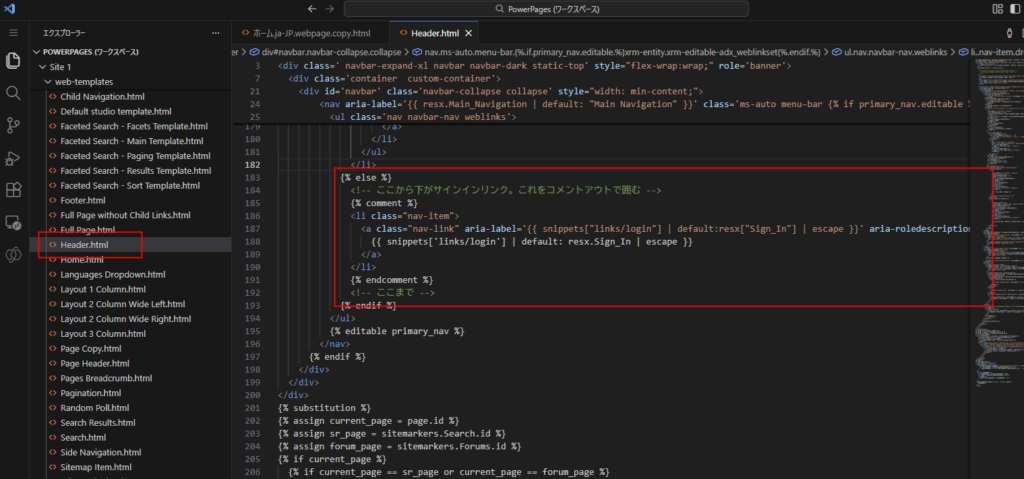
そしたら182行目にあたりのサインインリンクを生成している箇所を、{% comment %}でコメントアウトする。
            {% if user %}
              <li class=' nav-item dropdown'>
                {% assign username = user.fullname | escape %}
                <a href='#' class=' nav-link dropdown-toggle' aria-roledescription='link' title='{{username | default: resx['Default_Profile_name'] }}' data-bs-toggle='dropdown' role='button' aria-expanded='false'>
                  <span class='username'>{{ username | default: resx.Default_Profile_name }}</span>
                  <span class='caret'></span>
                </a>
                <ul class='dropdown-menu dropdown-menu-end'>
                  {% assign show_profile_nav = settings['Header/ShowAllProfileNavigationLinks'] | boolean | default: true %}
                  {% if show_profile_nav %}
                    {% assign profile_nav = weblinks['Profile Navigation'] %}
                    {% if profile_nav %}
                      {% for link in profile_nav.weblinks %}
                        <li>
                          <a class="dropdown-item"  aria-label='{{ link.name | escape }}' aria-roledescription='link' href='{{ link.url | escape }}' title='{{ link.name | escape }}'>{{ link.name | escape }}</a>
                        </li>
                      {% endfor %}
                    {% endif %}
                  {% else %}
                    <li>
                      <a class="dropdown-item"  aria-label='{{ snippets["Profile Link Text"] | default:resx["Profile_Text"] | escape }}' aria-roledescription='link' href='{{ sitemarkers['Profile'].url | escape }}'>{{ snippets['Profile Link Text'] | default: resx.Profile_Text | escape }}</a>
                    </li>
                  {% endif %}
                  <li class='dropdown-divider' role='separator' aria-hidden='true'></li>
                  <li>
                    <a class="dropdown-item"  aria-label='{{ snippets["links/logout"] | default:resx["Sign_Out"] | escape }}' aria-roledescription='link' href='{% if homeurl%}/{{ homeurl }}{% endif %}{{ website.sign_out_url_substitution }}' title='{{ snippets["links/logout"] | default:resx["Sign_Out"] | escape }}'>
                      {{ snippets['links/logout'] | default: resx.Sign_Out | escape }}
                    </a>
                  </li>
                </ul>
              </li>
            {% else %}
              <!-- ここから下がサインインリンク。これをコメントアウトで囲む -->
              {% comment %}
              <li class="nav-item">
                <a class="nav-link" aria-label='{{ snippets["links/login"] | default:resx["Sign_In"] | escape }}' aria-roledescription='link' href='{% if homeurl%}/{{ homeurl }}{% endif %}{{ website.sign_in_url_substitution }}'>
                  {{ snippets['links/login'] | default: resx.Sign_In | escape }}
                </a>
              </li>
              {% endcomment %}
              <!-- ここまで -->
            {% endif %}
すると、こんな感じで「サインイン」へのリンクは表示されなくなる。
おまけ:検索機能を消したい場合
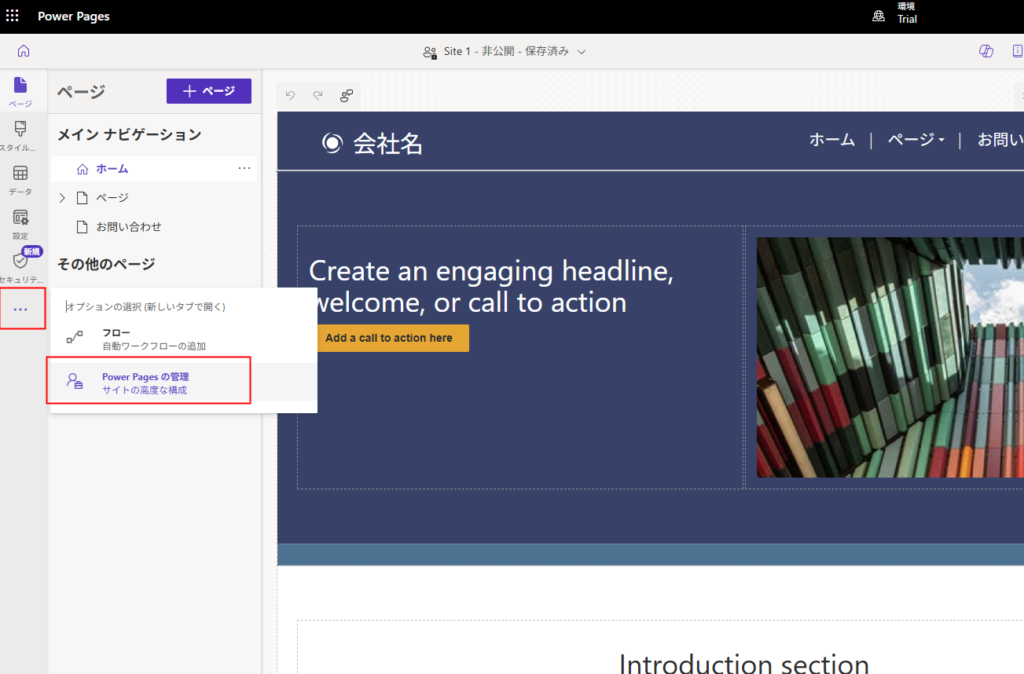
検索機能を消したい場合はPower Pagesの管理を開いて、
サイト設定の「Search/Enabled」をfalseに変更し、

余分な縦棒を消すためHeaderテンプレートの、141行目当たりの<li class=”divider-vertical” aria-hidden=”true”></li>をコメントアウトしてする。

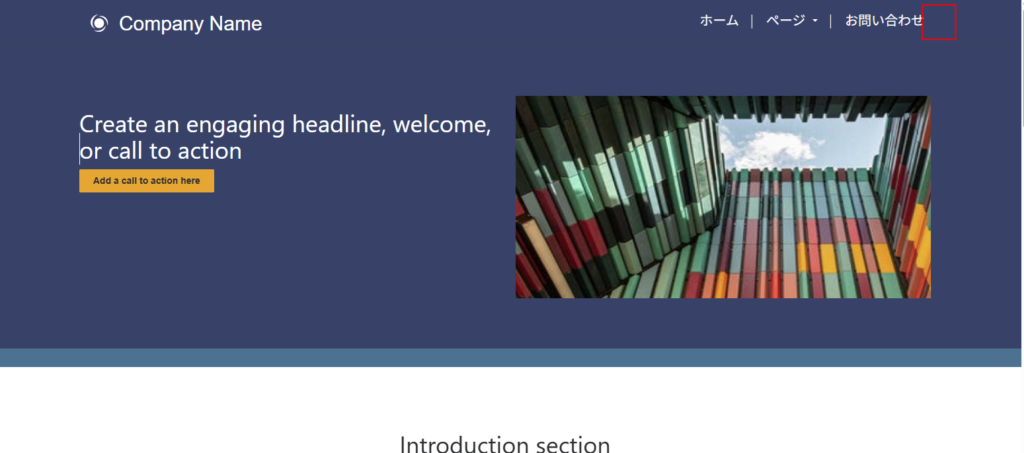
するとこんな感じできれいになっていい感じ。
コメント