One of the biggest challenges in building RAG agents with Copilot Studio is retrieving the right information without noise.
Previously, adding a SharePoint site as a knowledge source meant exposing all documents to the agent. Now, you can finally specify Document Libraries and even Folders as data sources. In this guide, I will demonstrate how this granular control significantly improves answer accuracy.
Generative Answers Knowledge
Copilot Studio has always allowed you to set an entire SharePoint site as a knowledge source (data source) for generative answers.
*For more details, see here: Setting SharePoint as Knowledge Source
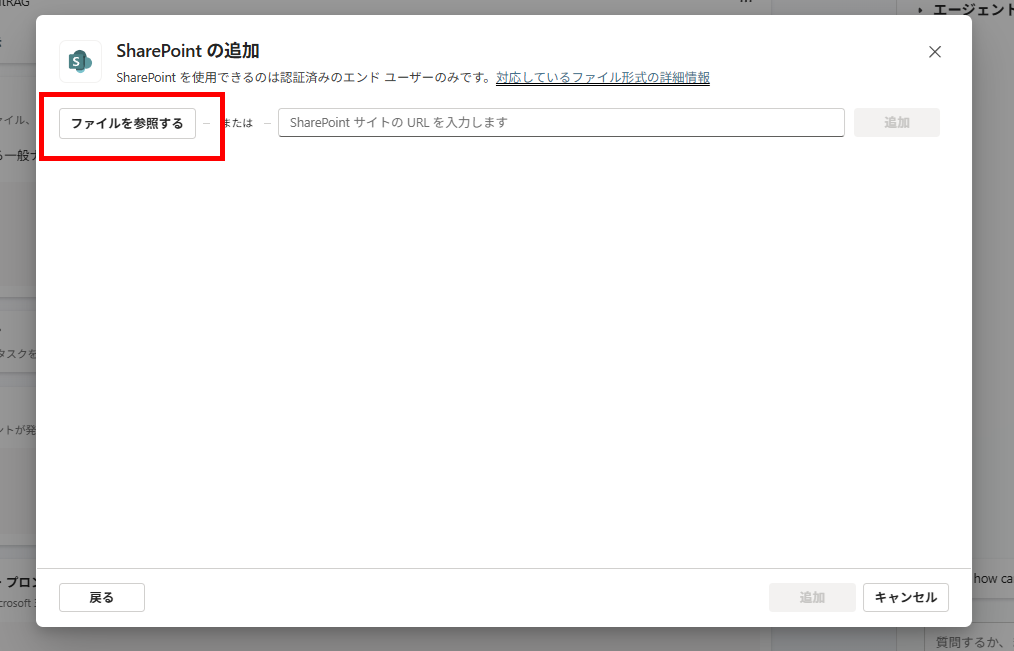
Preparation: Setting up the SharePoint Site for Knowledge
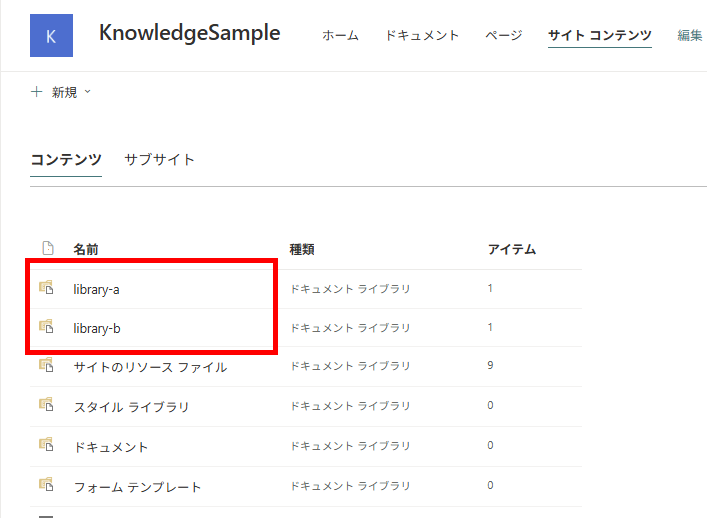
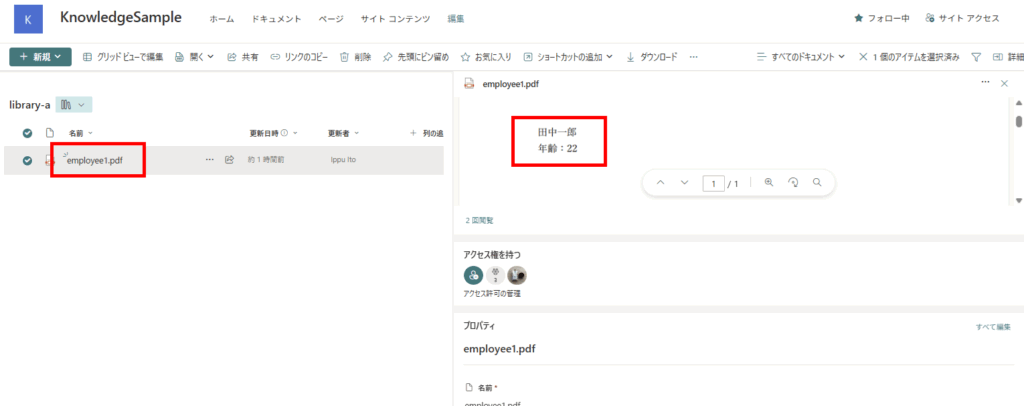
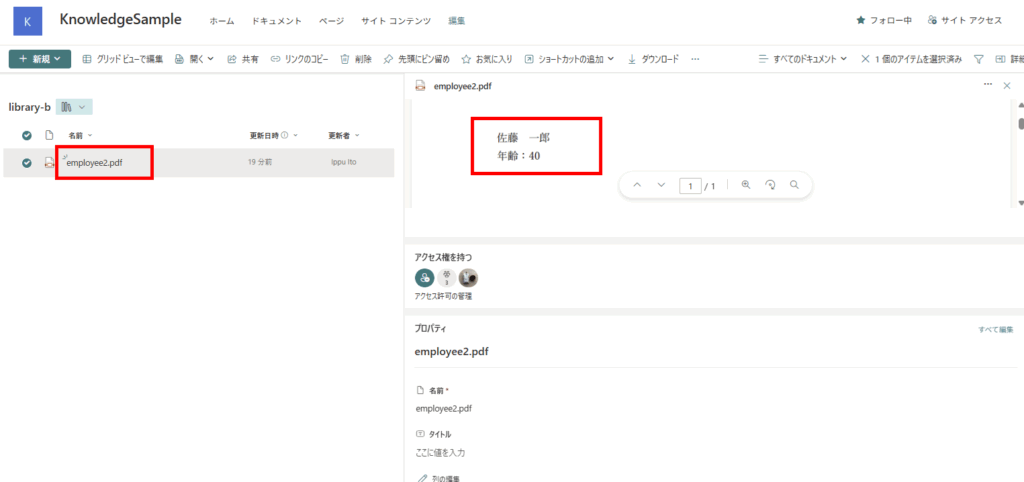
Experiment 1: Setting the Entire Site as Knowledge
First, let’s set the entire SharePoint site as knowledge and check how it works.
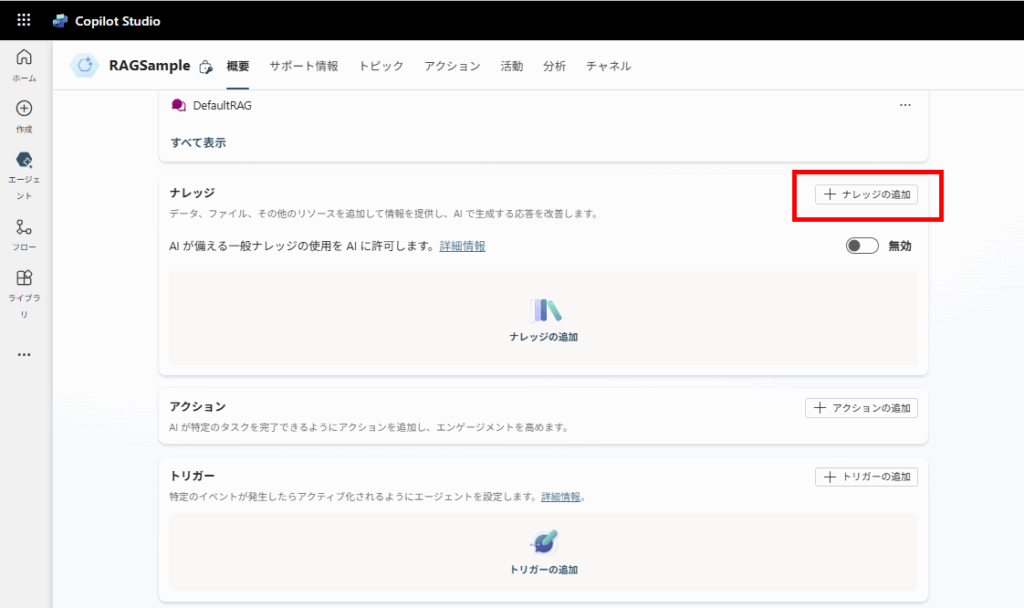
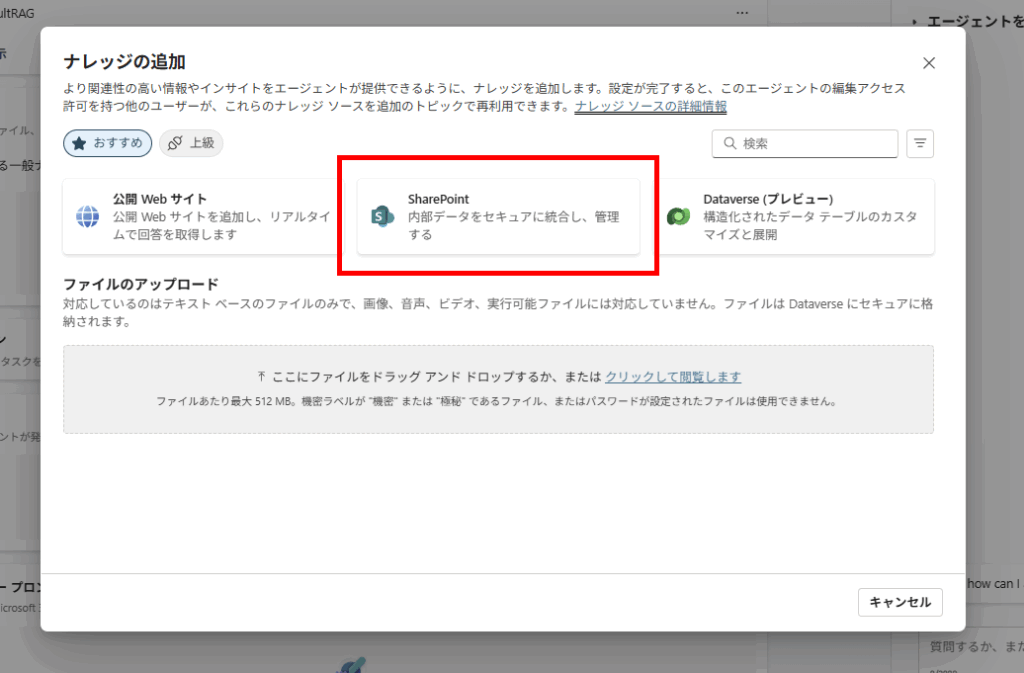
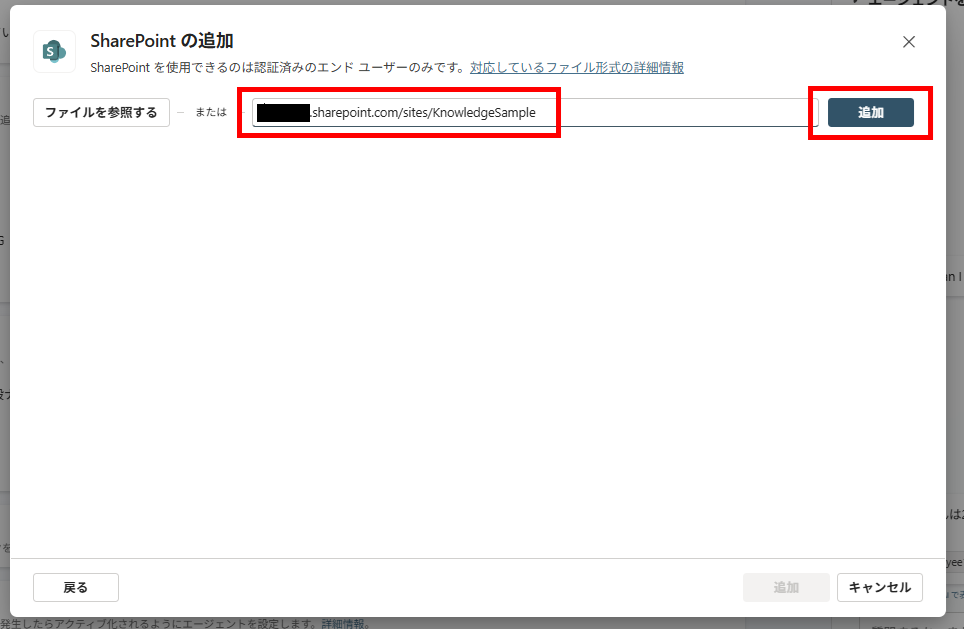
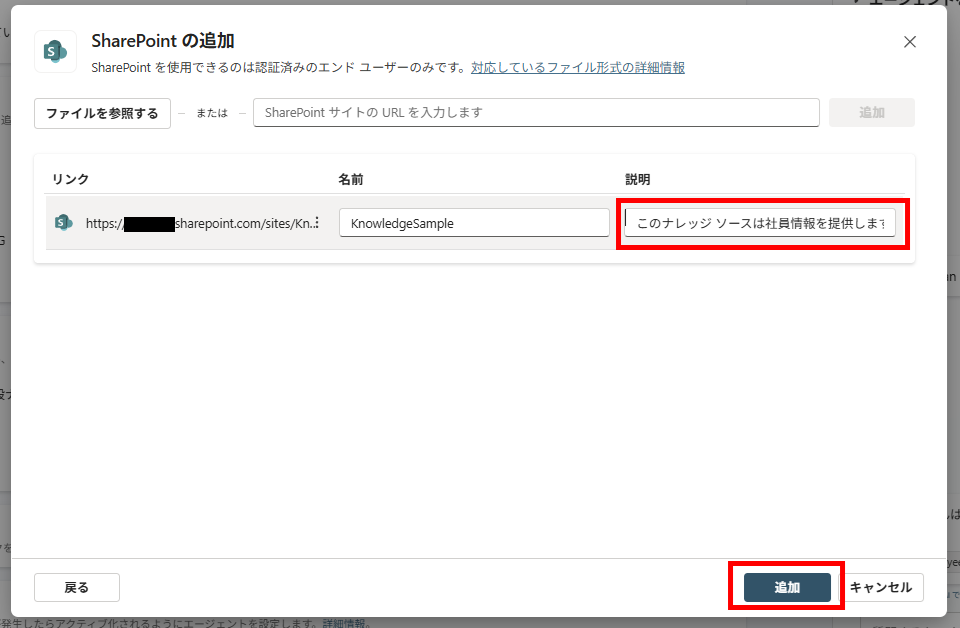
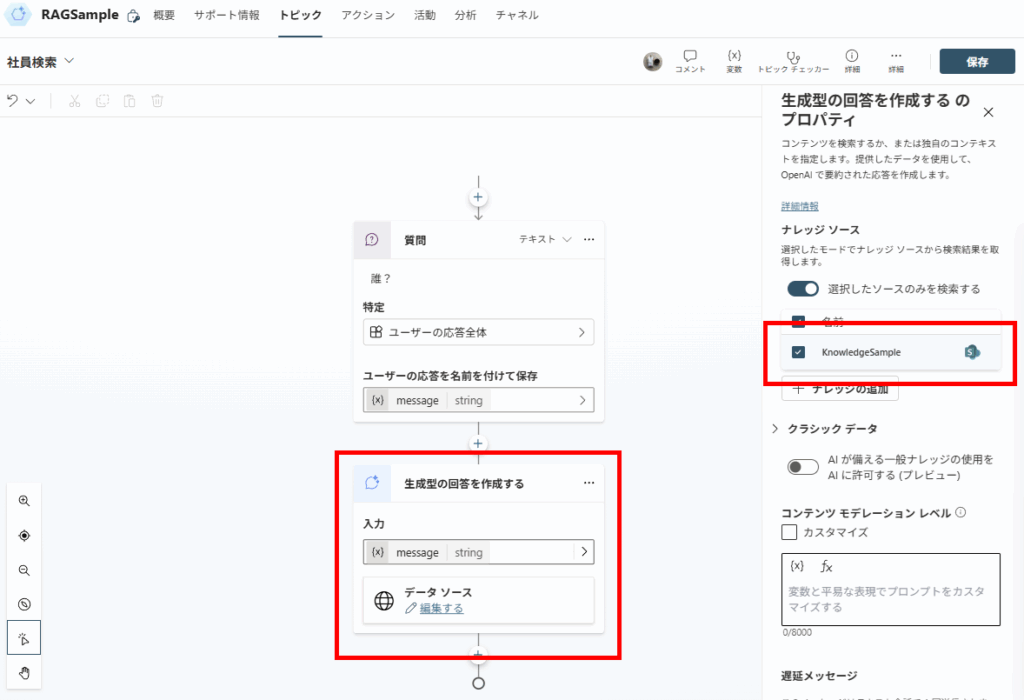
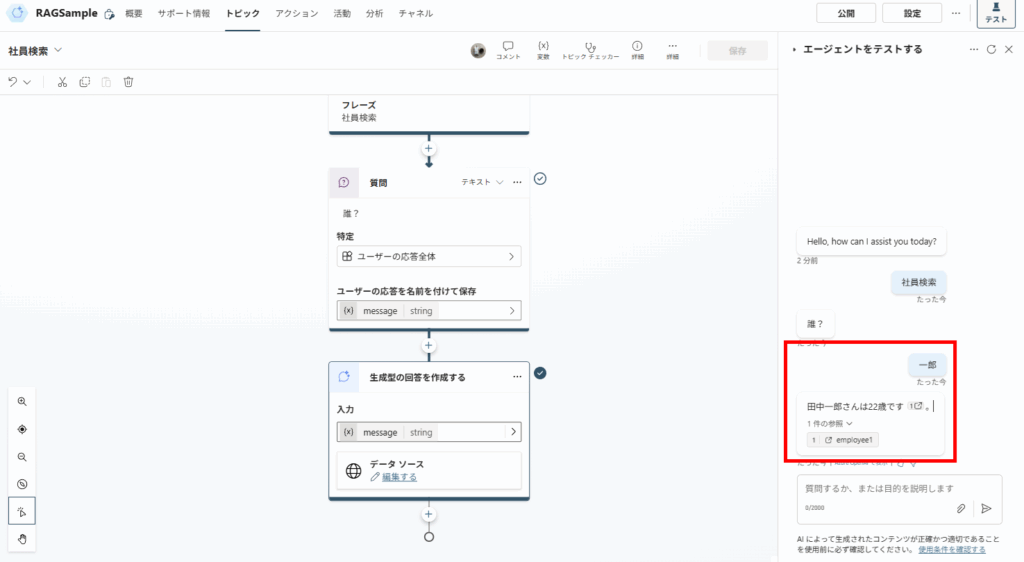
However, it didn’t retrieve information about Mr. Ichiro Sato.
When targeting an entire site, the search index might take longer to update (sometimes 4-6 hours), or the search relevance might prioritize the first library found. This highlights the importance of limiting the scope to ensure critical documents are found.
Next, let’s try specifying the second document library directly as knowledge.
Experiment 2: Setting a Document Library as Knowledge
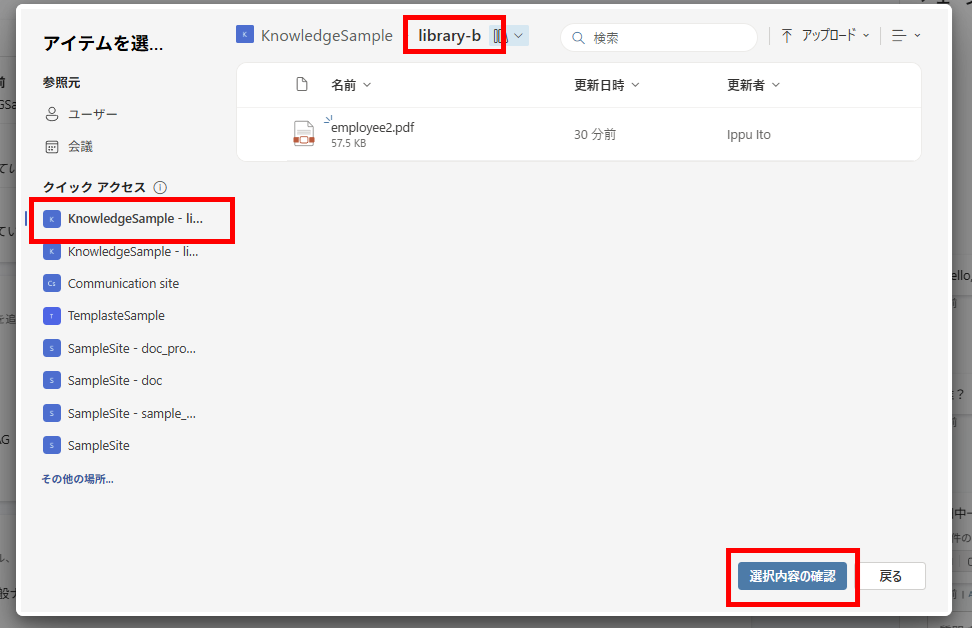
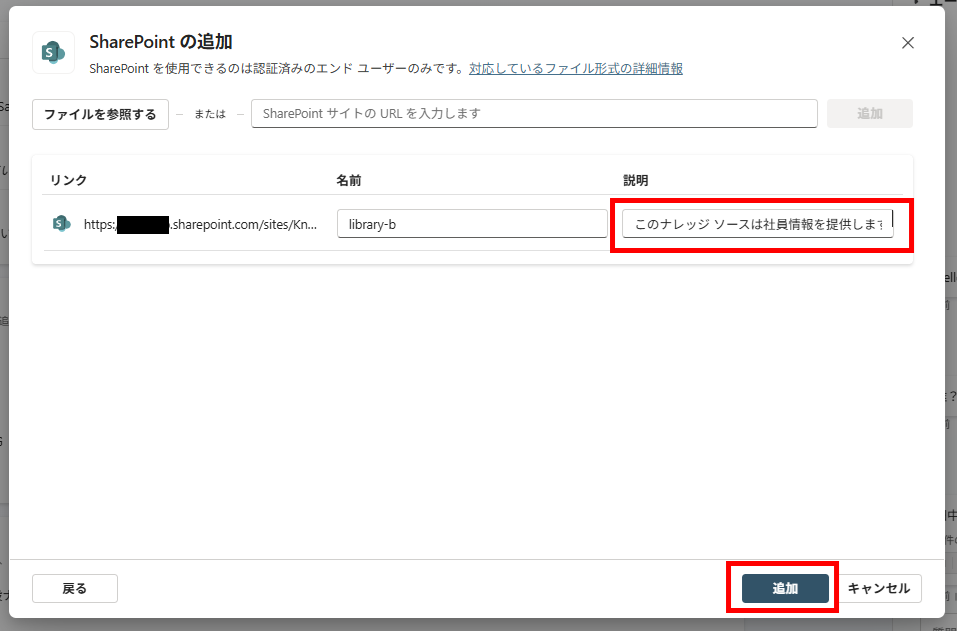
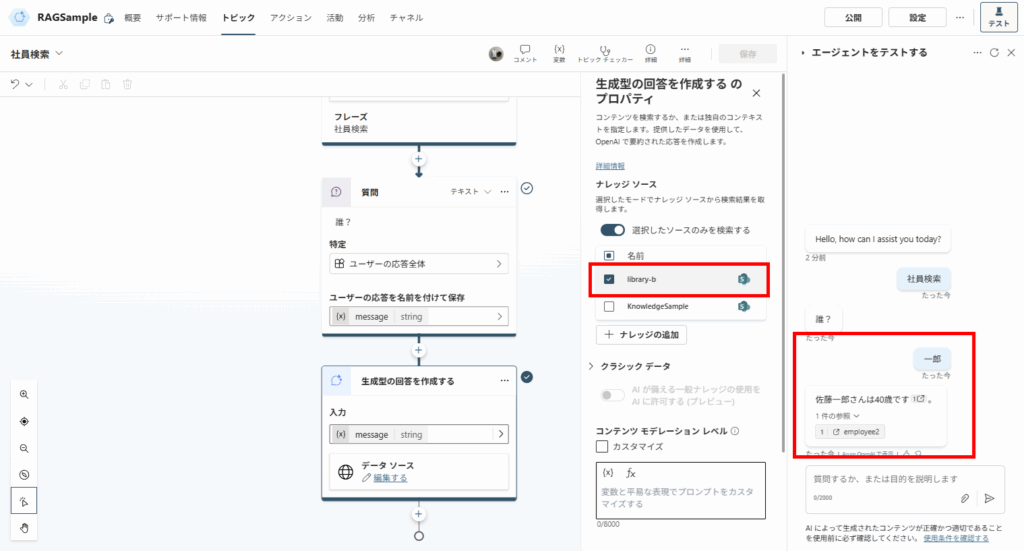
Experiment 3: Setting a Folder as Knowledge
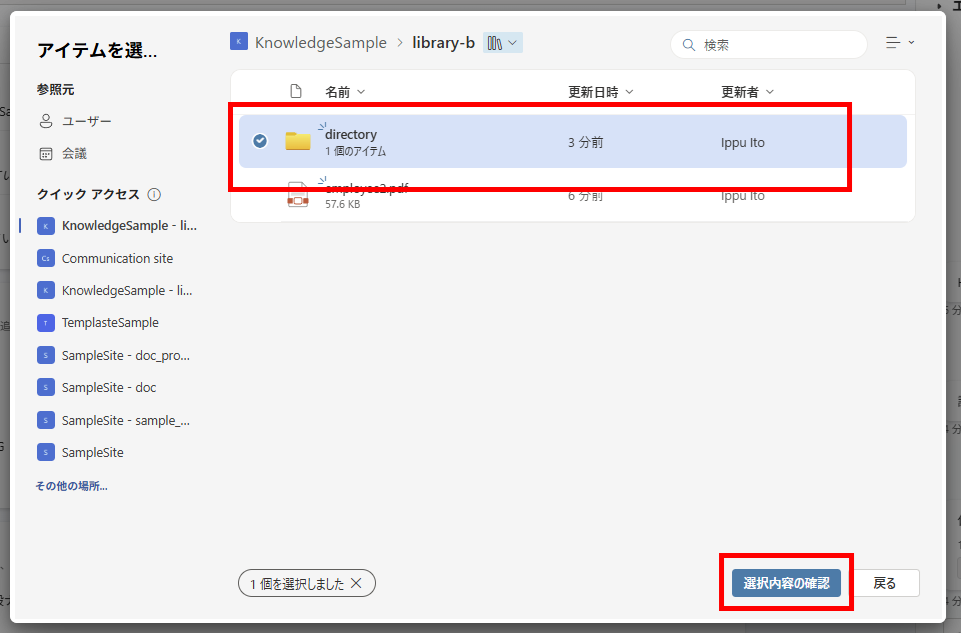
Finally, let’s try specifying a folder as knowledge.
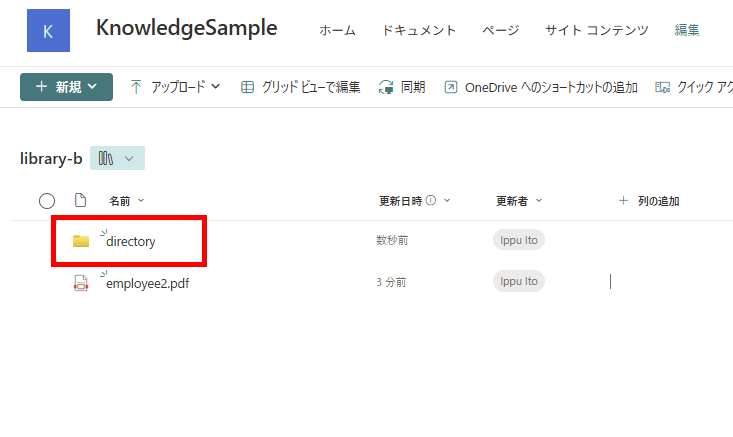
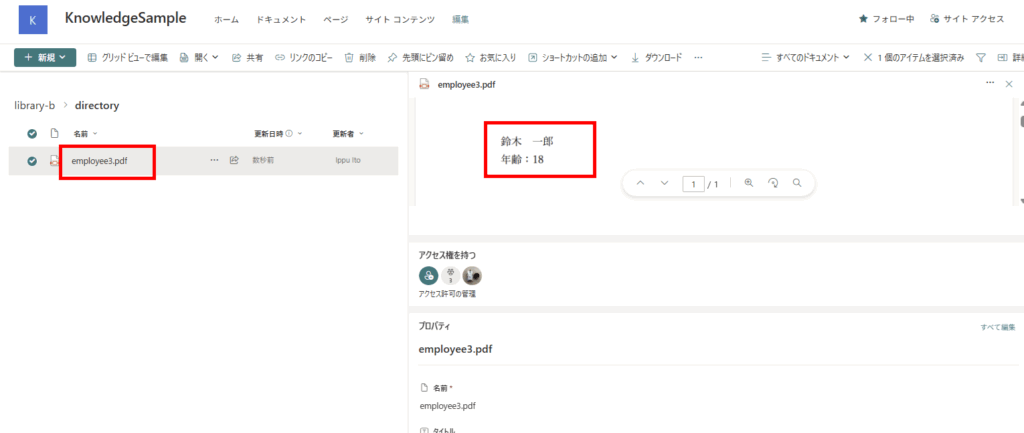
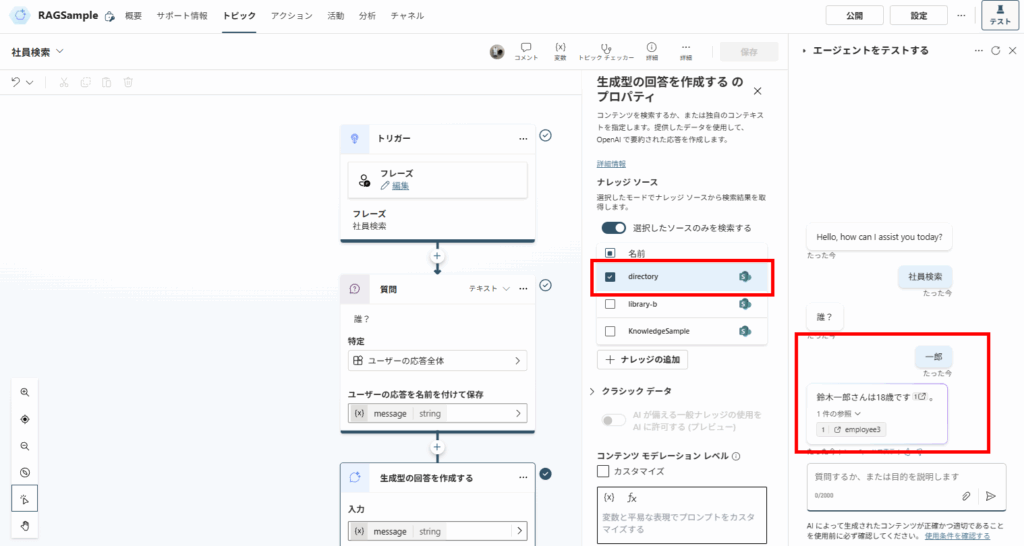
Important Limitations (Must Read)
While folder-level specification is powerful, keep these limitations in mind:
- File Limits: Up to 1,000 files per knowledge source.
- Folder Depth: Subfolders are supported, but extremely deep hierarchies might cause indexing delays.
- File Size: Individual files should be under 3MB (for optimal performance) to 7MB.
By carefully managing and limiting the search scope for RAG—on a per agent or topic basis—you can greatly improve the accuracy of generated answers.
コメント