Note: As of mid-2025, Copilot Studio also supports SharePoint Lists as knowledge sources. This article focuses on adding SharePoint Sites (Document Libraries) and verifying permission behaviors.
This article shows how to add a SharePoint site as a knowledge source in Copilot Studio, plus key limitations and permission behavior you should verify before production use.
Important Considerations When Adding SharePoint as a Knowledge Source
When adding SharePoint as a knowledge source, keep these important points in mind:
It’s recommended to omit https:// from URLs. Only SharePoint URLs with sharepoint.com domains are recognized.
Classic ASPX pages in SharePoint are not used for response generation.
To enhance SharePoint search results and support files up to 200 MB, enable [Enhanced Search Results] with a Microsoft 365 Copilot license in the same tenant as your agent.
Without a Microsoft 365 Copilot license in the same tenant, generative responses can only use files under 7MB. Consider splitting larger files.
SharePoint sites using accordion navigation menus or custom CSS are not used for response generation.
When using dynamic SharePoint URLs with Power Fx formulas, you must use the classic data options available in the generative response node properties.
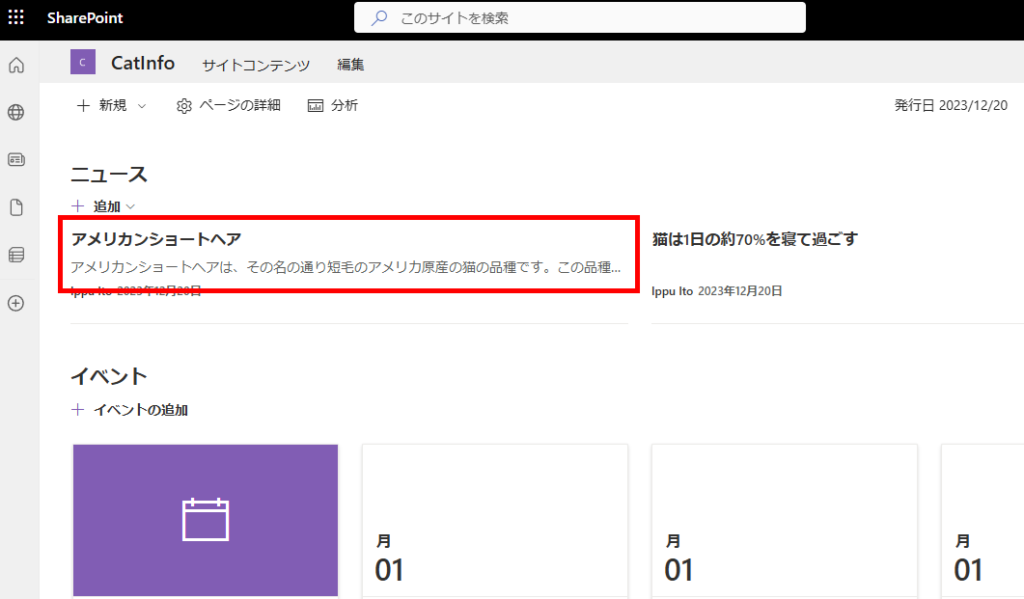
For this demonstration, we’ll use this site containing information about “cats.”
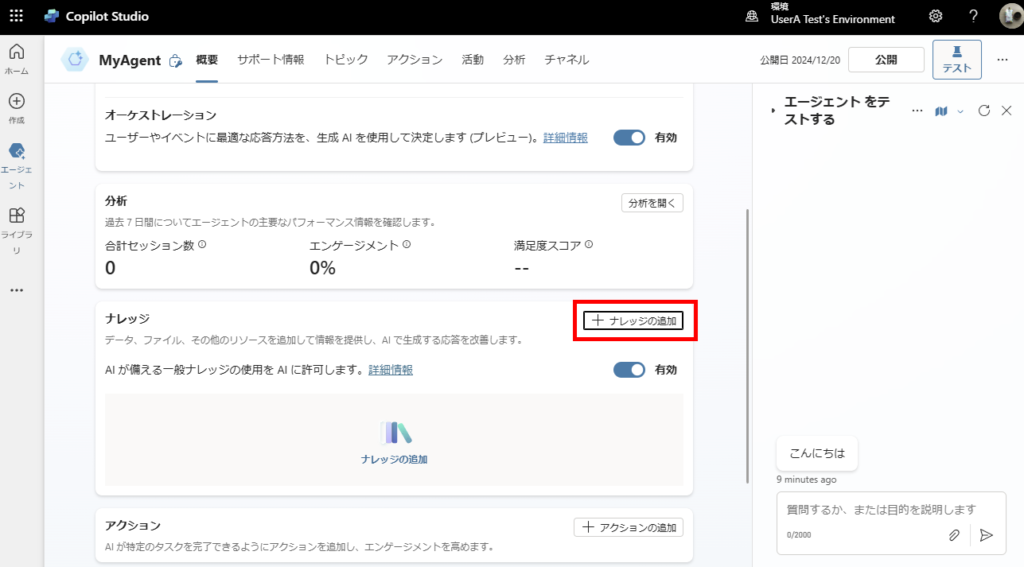
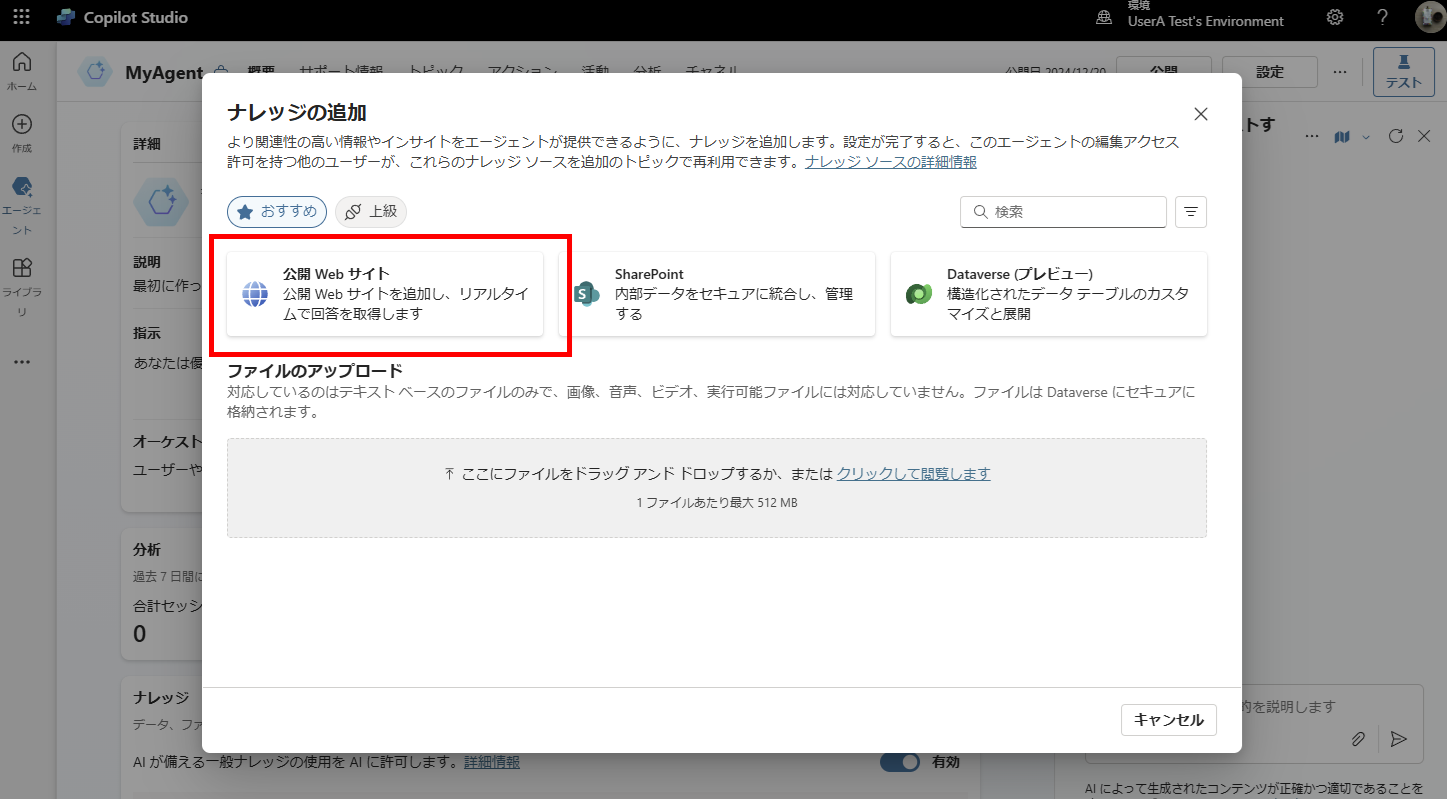
First, select [Add knowledge],
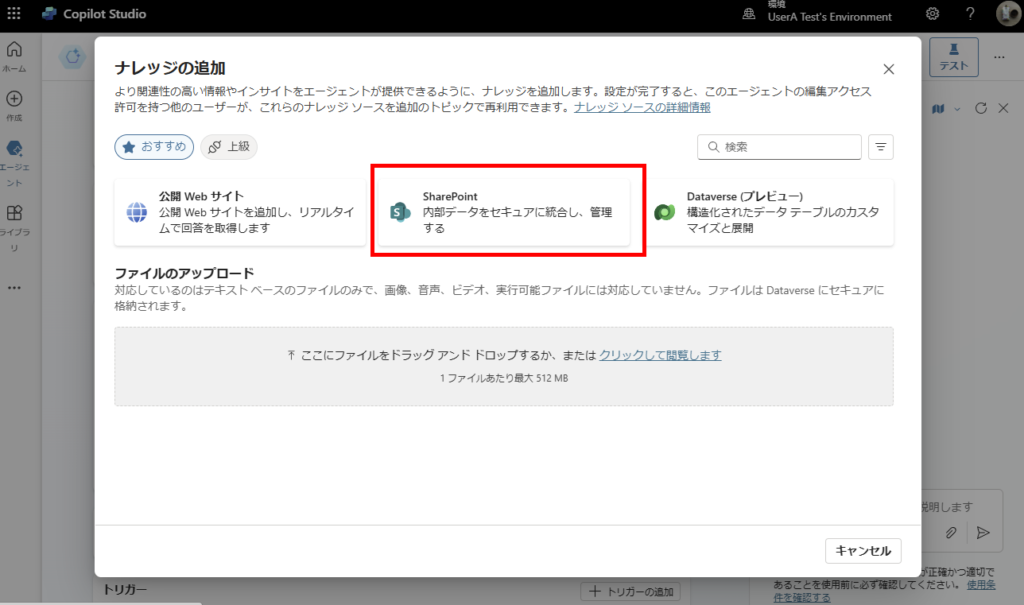
Choose SharePoint,
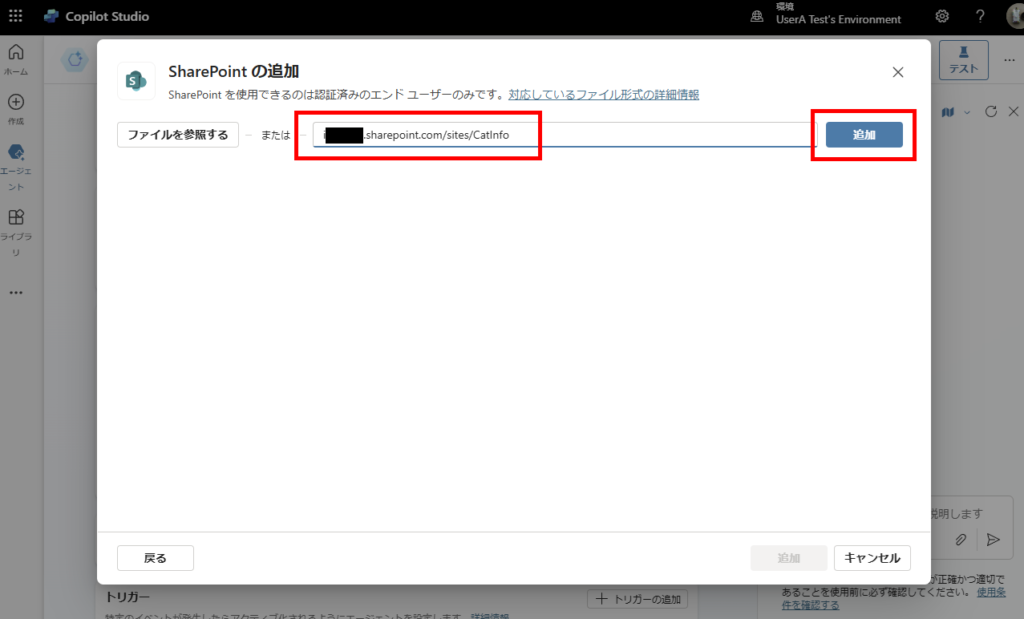
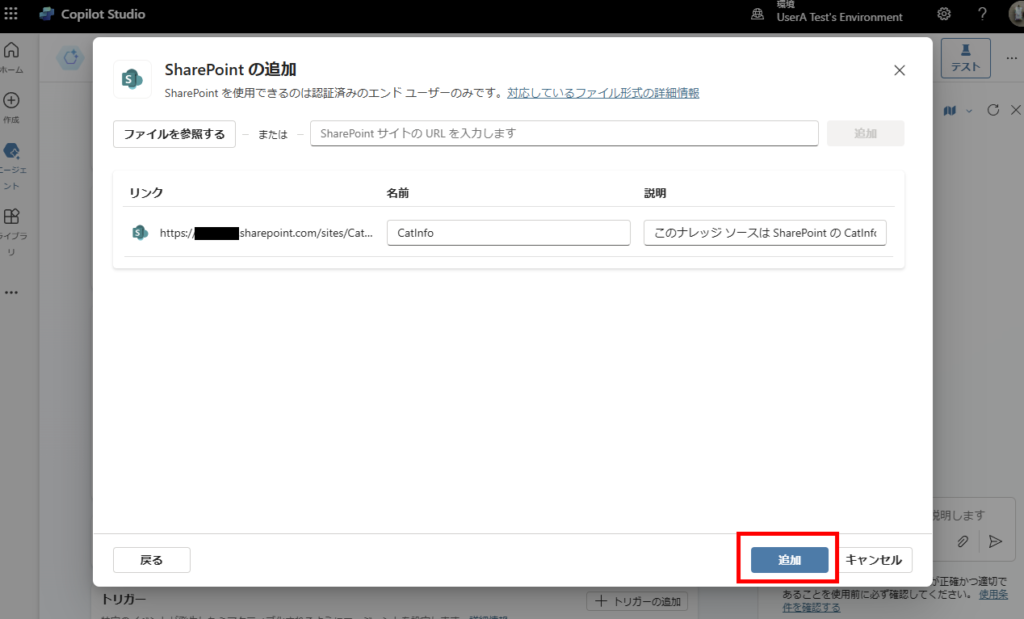
Enter the URL without “https://”,
Click [Add].
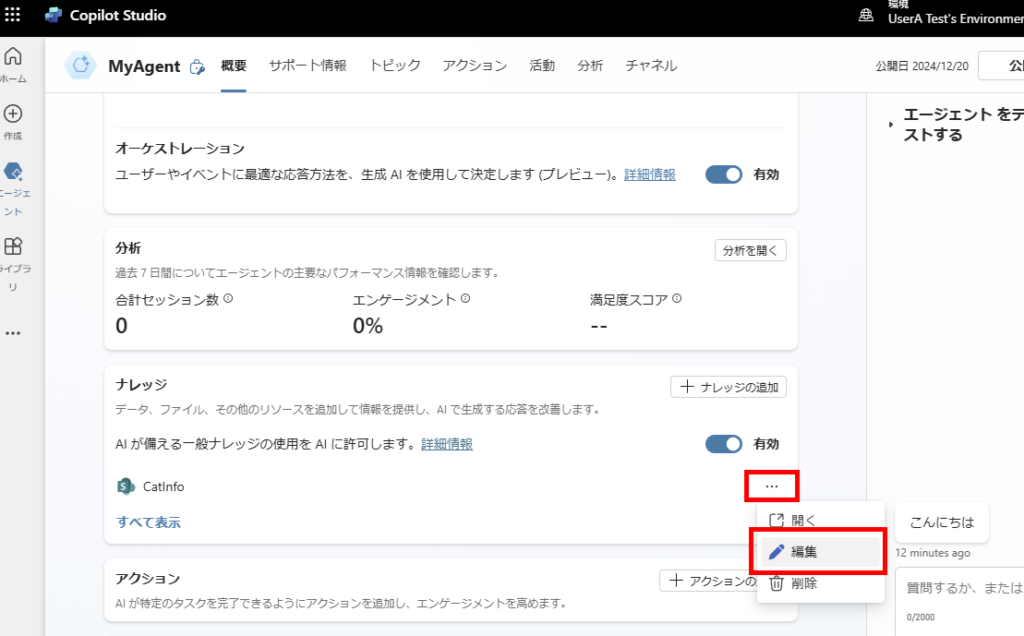
From the […] menu, select [Edit],
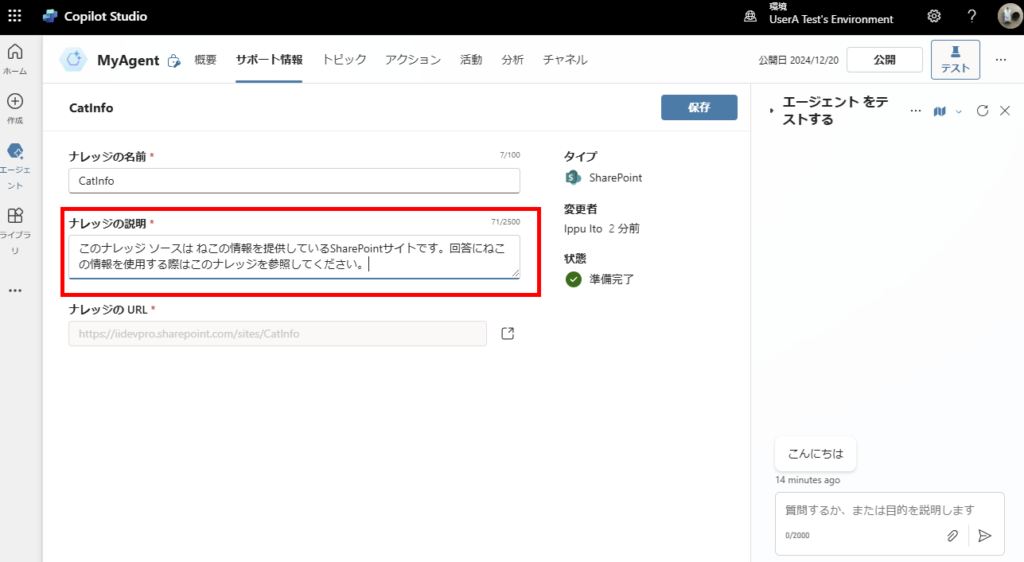
Set the knowledge description and save. Note: For agents with generative AI enabled, this [Description] is used to determine whether the agent should utilize this knowledge source.
This completes the configuration process.
Testing the Implementation
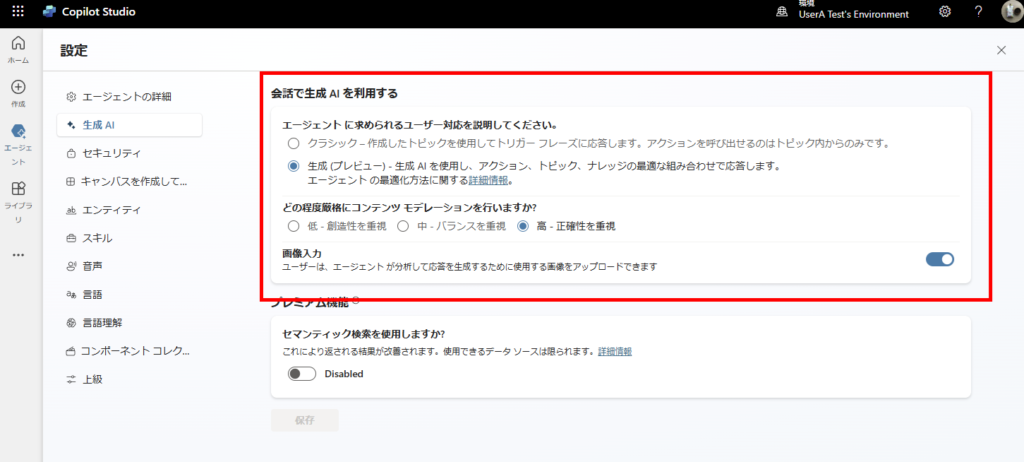
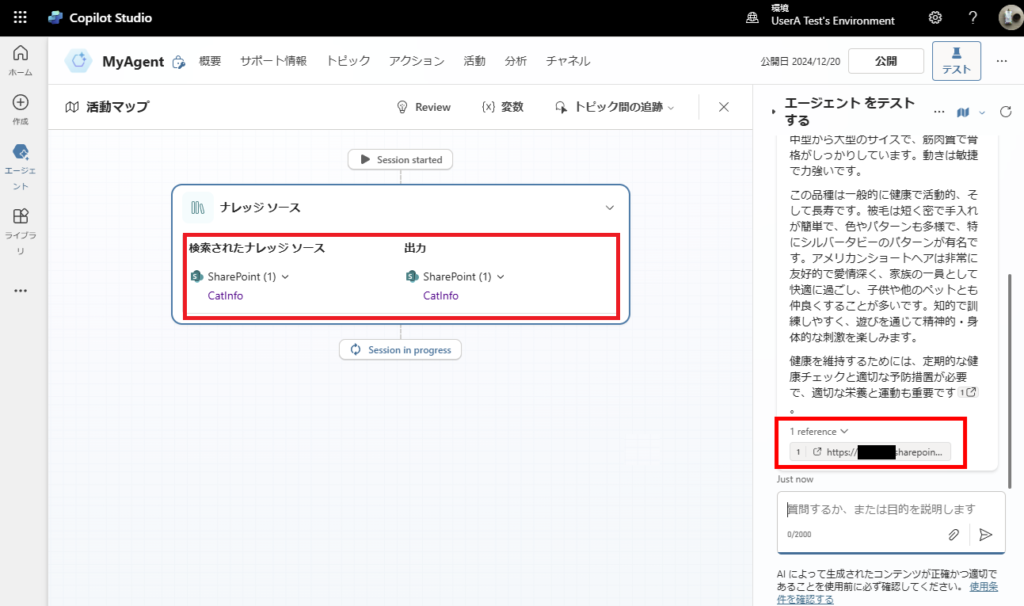
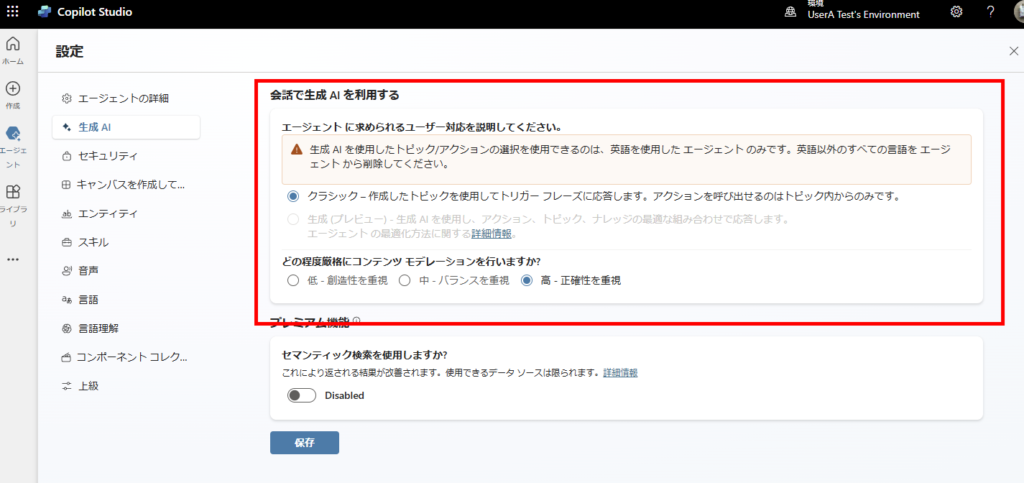
First, when using an agent with generative AI enabled (set to “English”),
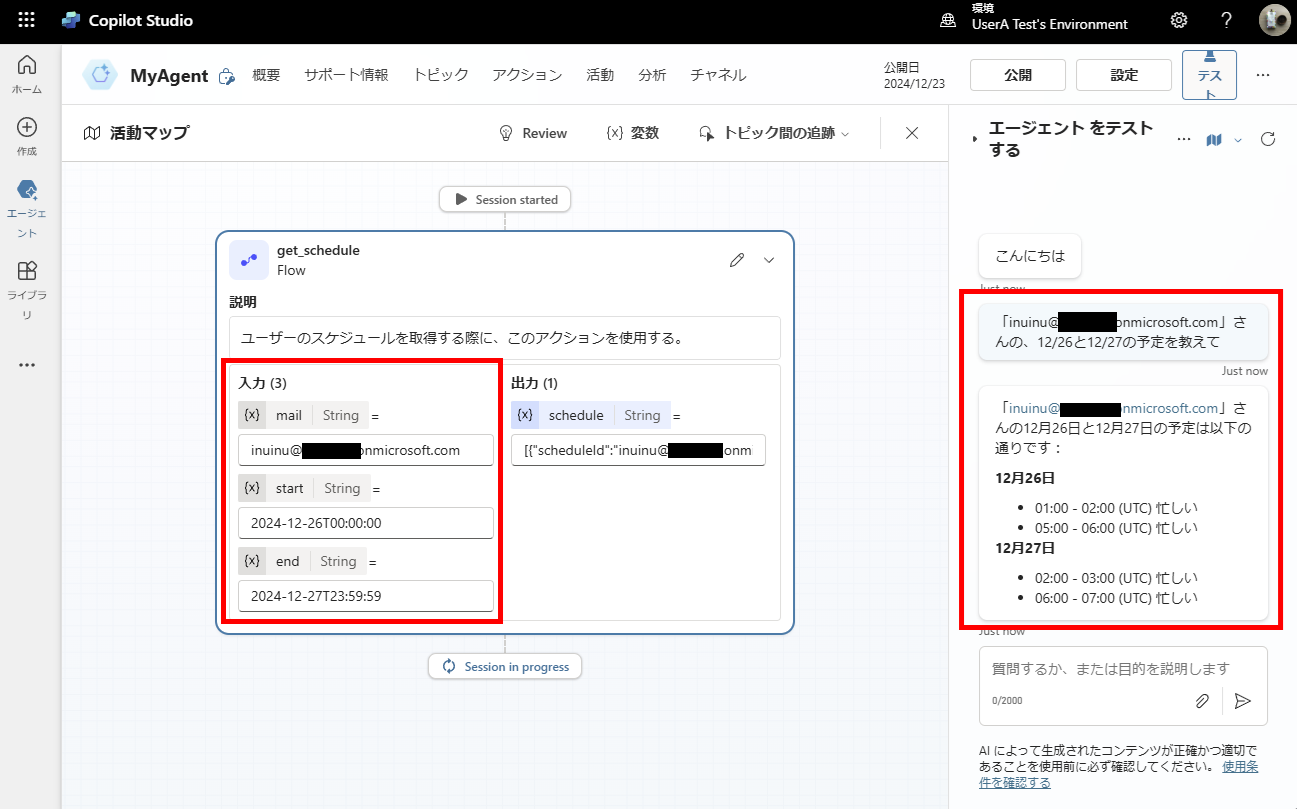
We can verify through the activity map that the knowledge source is being utilized.
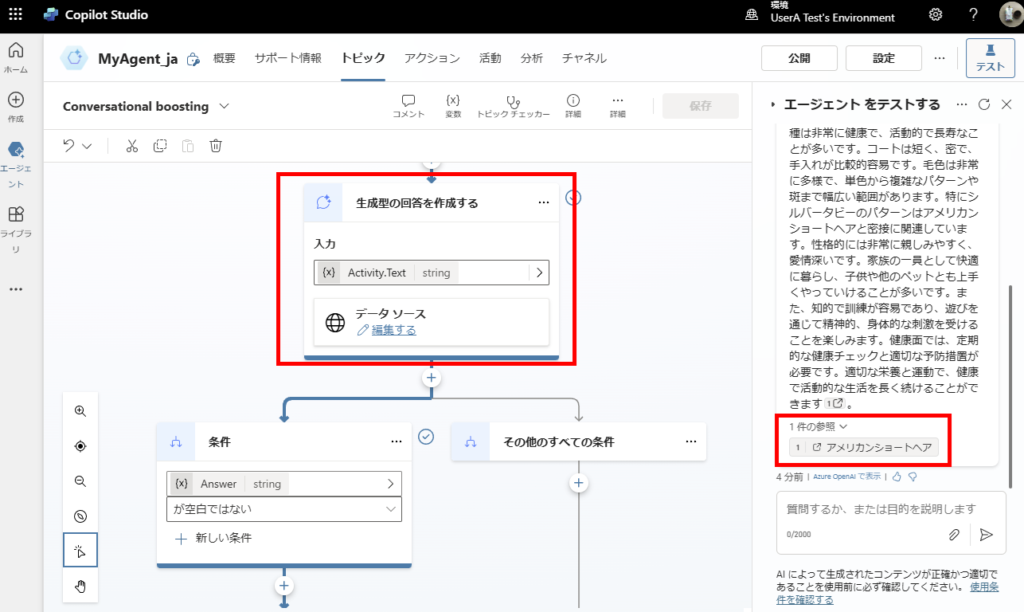
Then, when using an agent with generative AI turned OFF,
We can confirm that the knowledge is being accessed through Conversational boosting.
Behavior Differences Based on SharePoint Sharing Settings
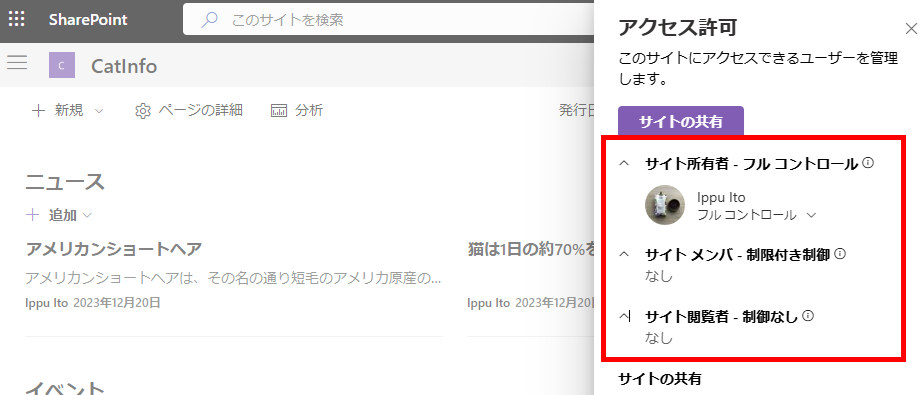
The target site used in this demonstration hasn’t been shared with anyone else yet.
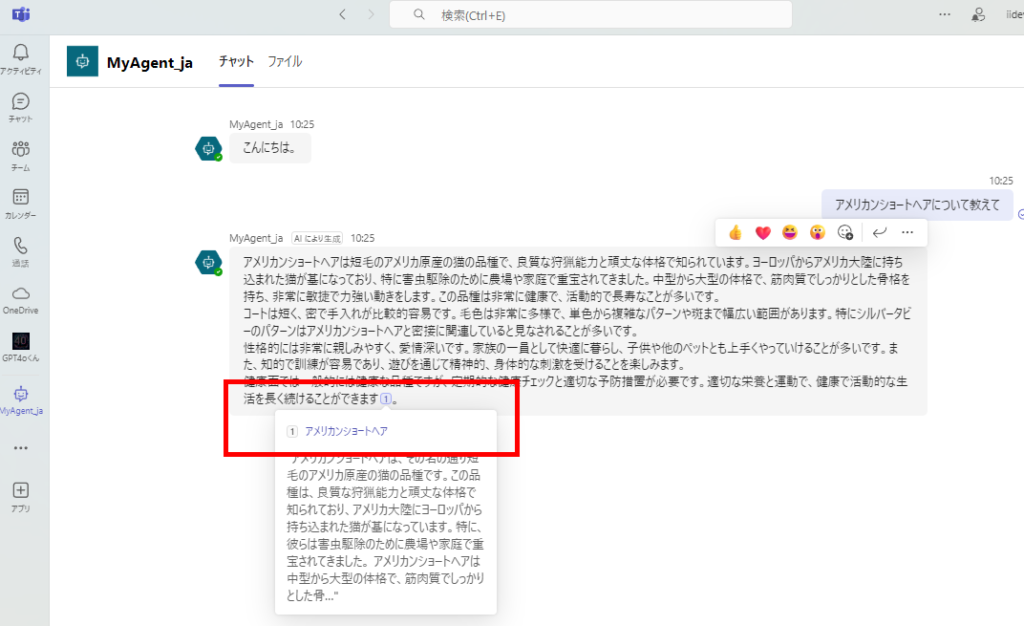
When asking questions to the agent using my account that has access to the SharePoint site, it provides answers using the SharePoint knowledge base.
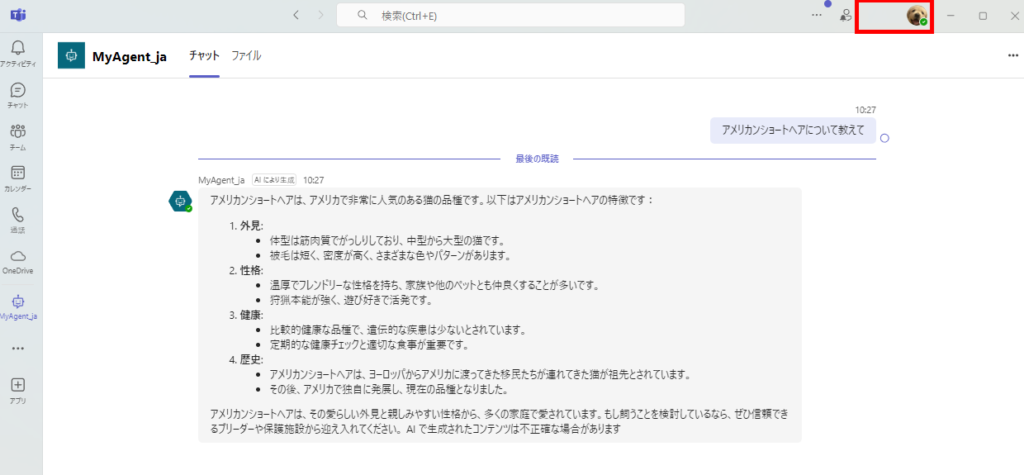
However, when a test user account without site access asks questions, the agent provides responses without using the SharePoint information.
This demonstrates that the agent properly considers site sharing permissions (access rights) when utilizing knowledge sources.
For information on how to use different SharePoint sites for different topics, please refer to:

コメント